🆓 FREE TOOL

ERD Generator Light

Generate Entity Relationship Diagrams from your SQL CREATE TABLE statements. Visualize your database structure instantly. Free, fast, and no signup required.

💎 PREMIUM PRODUCT

Professional ERD Diagrams
With SQL Data Builder

While this free tool creates basic ER diagrams, SQL Data Builder Pro offers interactive, drag-and-drop ER diagrams with automatic relationship detection, export options, and real-time collaboration.

  • Interactive ER Diagrams - Drag, zoom, and rearrange tables
  • Automatic Relationship Detection - Foreign keys auto-connected
  • Export to PNG/PDF - Professional documentation ready
  • Visual Schema Designer - Design databases visually
  • Only $2.99/month - Professional tools at an affordable price
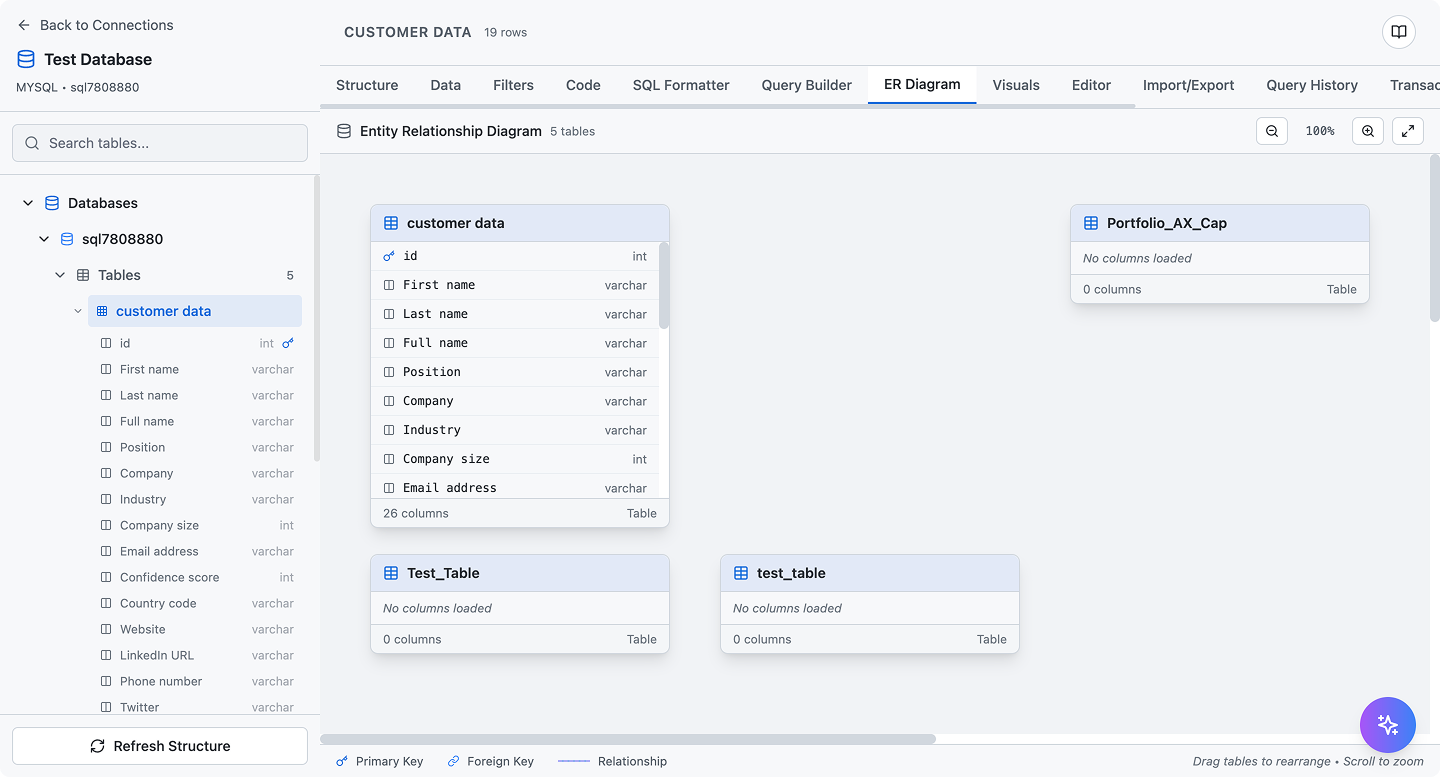
Try SQL Data Builder Pro
SQL Data Builder - Professional ER Diagram Tool

How to Use the ERD Generator

Creating Entity Relationship Diagrams from SQL is simple with our free tool:

  1. Paste your CREATE TABLE statements into the textarea above. You can add multiple tables.
  2. Click "Generate ERD" to visualize your database structure.
  3. Review the diagram - Tables are displayed with their columns, primary keys, and relationships.
  4. Analyze the statistics to understand your database structure.

What is an ERD?

An Entity Relationship Diagram (ERD) is a visual representation of database tables and their relationships. It shows:

📋 Tables (Entities)

Database tables represented as boxes with their columns.

🔑 Primary Keys

Unique identifiers for each table, highlighted in yellow.

🔗 Foreign Keys

Columns that reference other tables, shown in blue.

➡️ Relationships

Lines connecting tables that have foreign key relationships.

Why Use ER Diagrams?

ERD Best Practices

Limitations of the Free Version

This free ERD Generator Light provides basic visualization of your database schema. For production use, consider SQL Data Builder Pro which offers: