Edit and manage your database data without writing any SQL code
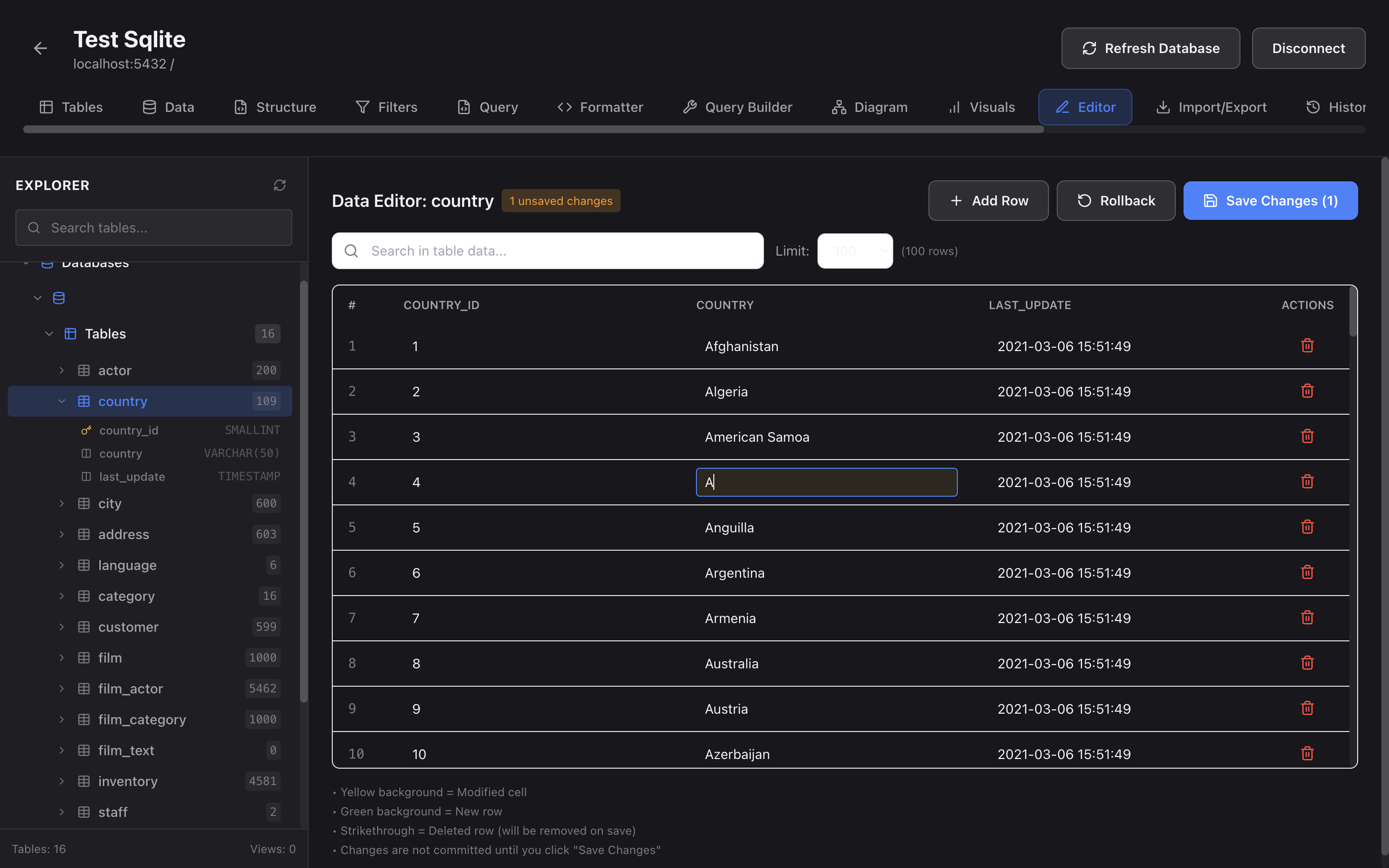
Simplify your database workflow with our all-in-one visual database management tool for macOS. No SQL knowledge required.
Download for both Intel and Apple Silicon Macs • Compatible with macOS 10.15+
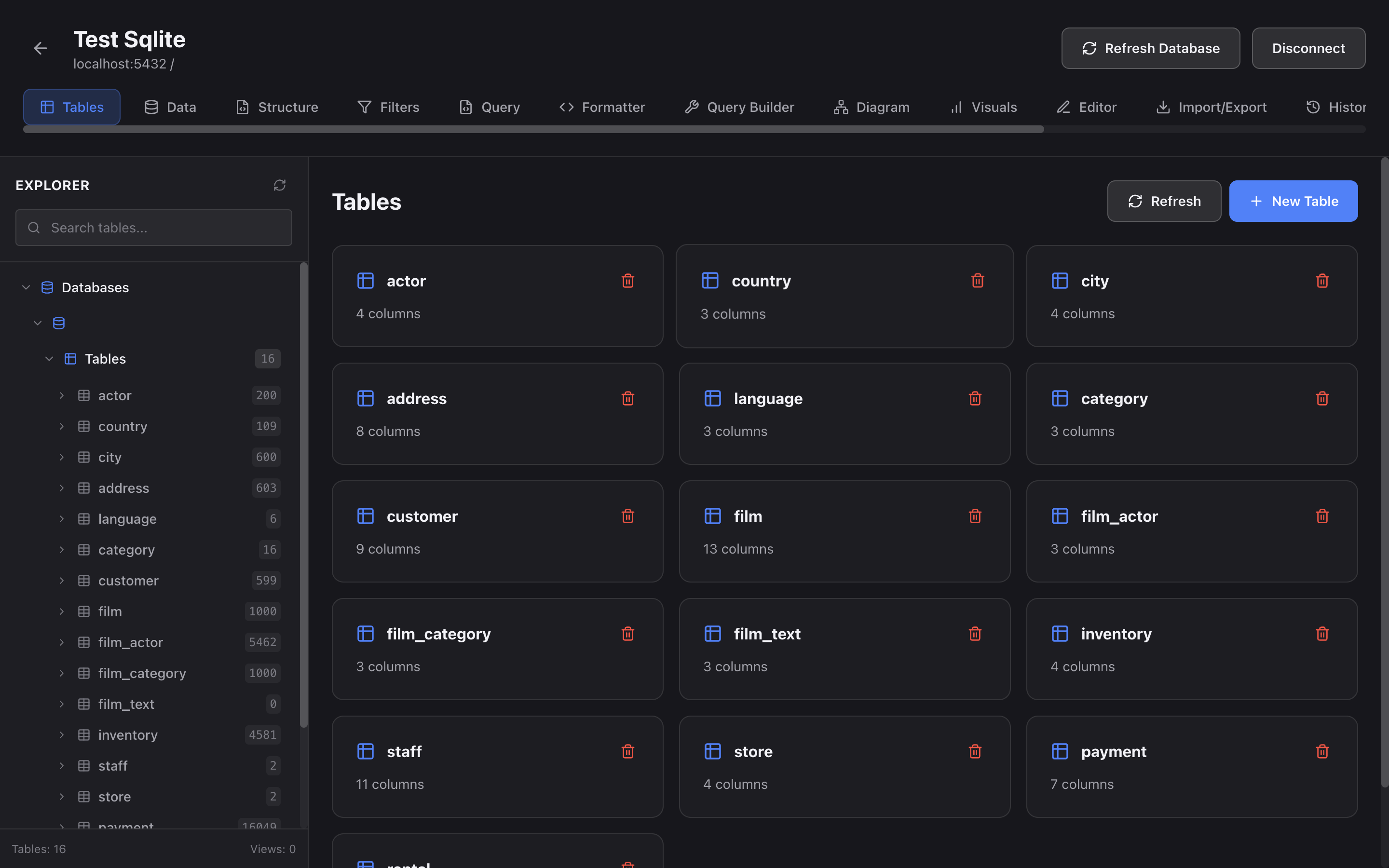
Design and modify your database schemas visually with our intuitive drag-and-drop interface. Create tables, define relationships, and manage your database structure without writing a single line of SQL.
Get Started Free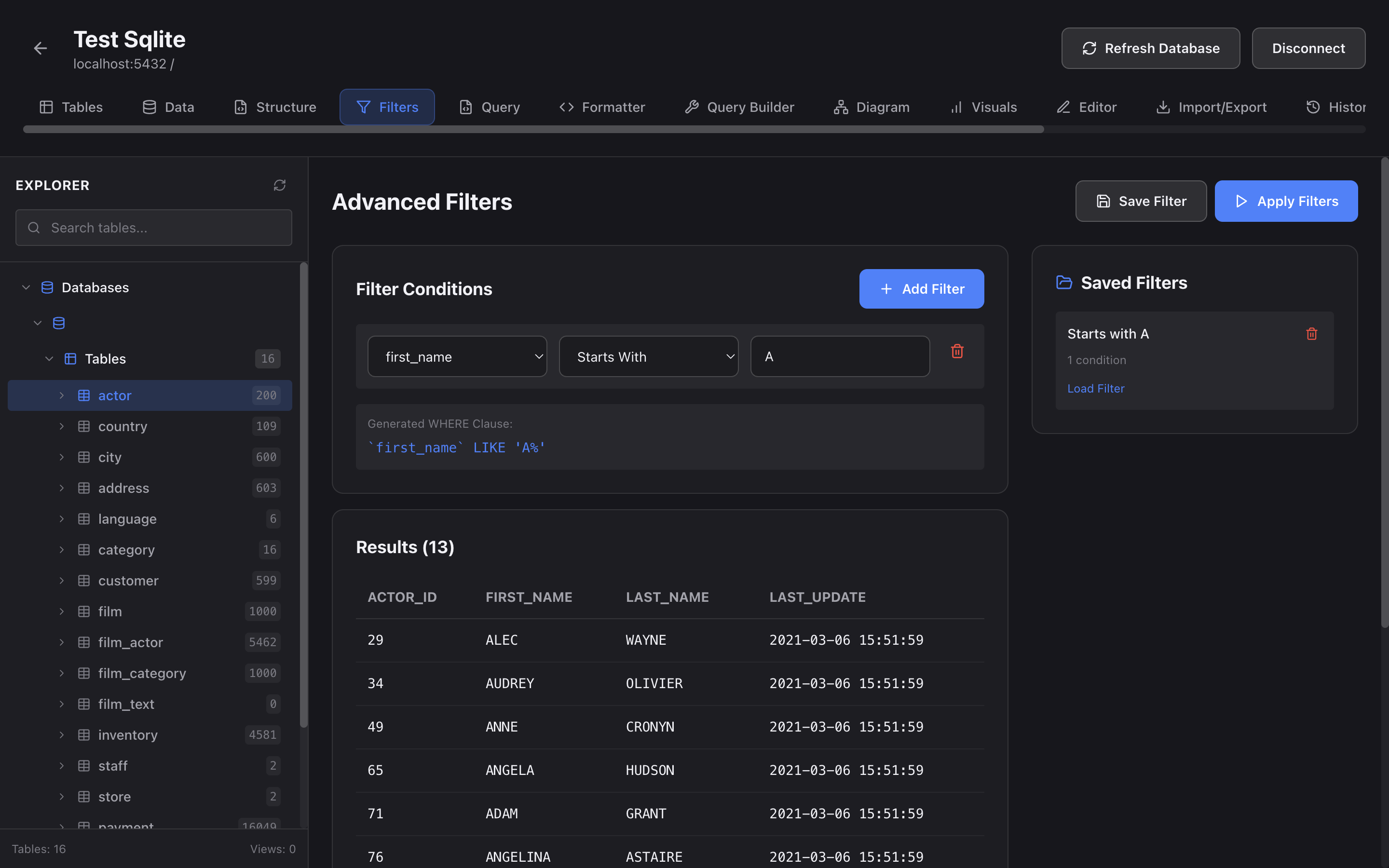
Create sophisticated database queries using our visual query builder. Filter, sort, join, and aggregate data with simple clicks. Perfect for both beginners and SQL experts.
Download Now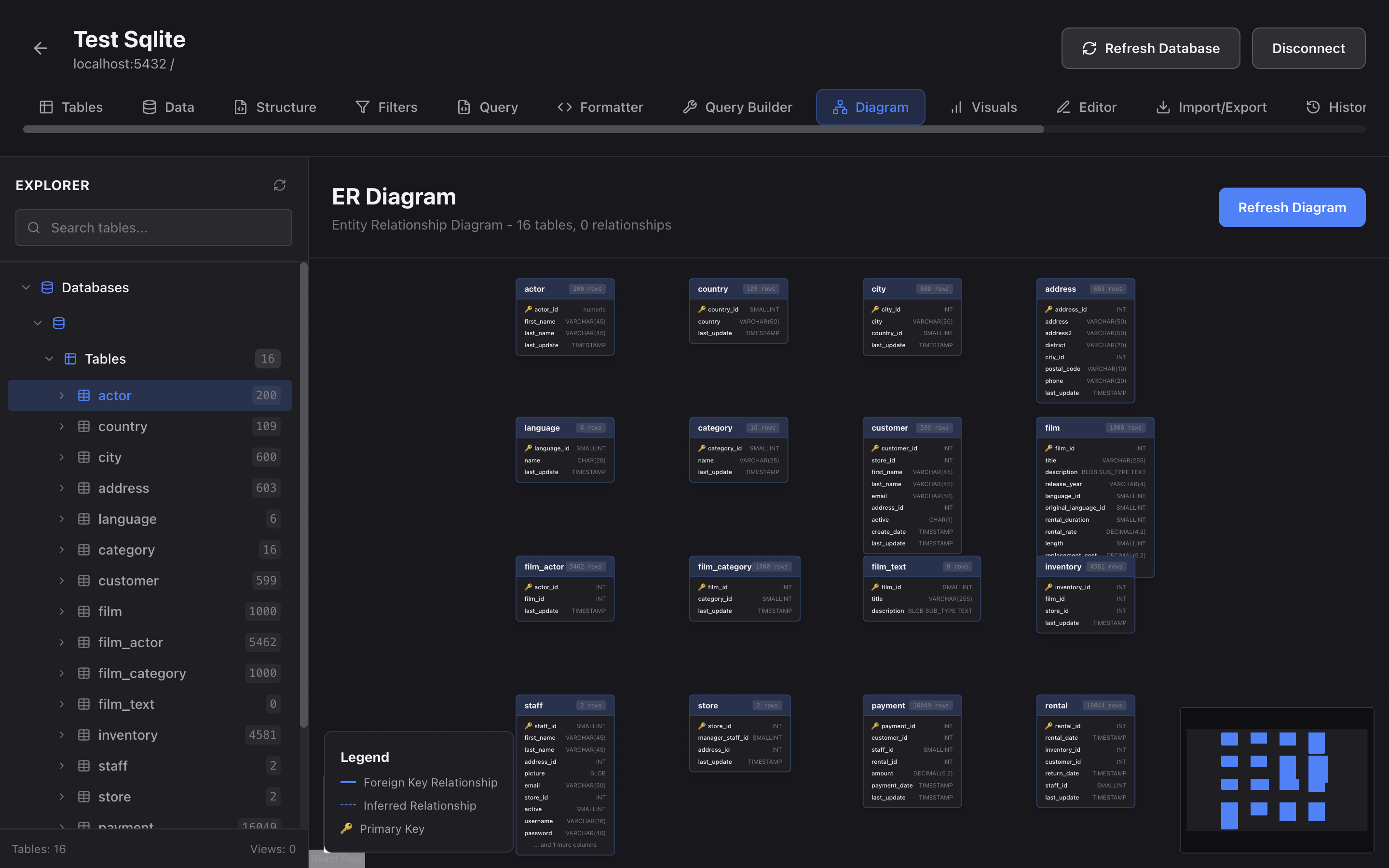
Automatically generate beautiful entity-relationship diagrams to understand your database structure at a glance. Perfect for documentation, presentations, and team collaboration.
Try It FreeEverything you need to design, query, and manage databases on macOS - all in one beautiful app
Download Free for macOSConnect to MySQL, PostgreSQL, SQLite, MongoDB, MariaDB, SQL Server, and more databases from one app
Advanced SQL editor with syntax highlighting, auto-completion, and query formatting
Import and export data in CSV, JSON, and SQL formats for easy data migration
Create and modify database tables with our intuitive visual table designer
Encrypted database connections with macOS Keychain integration for credential storage
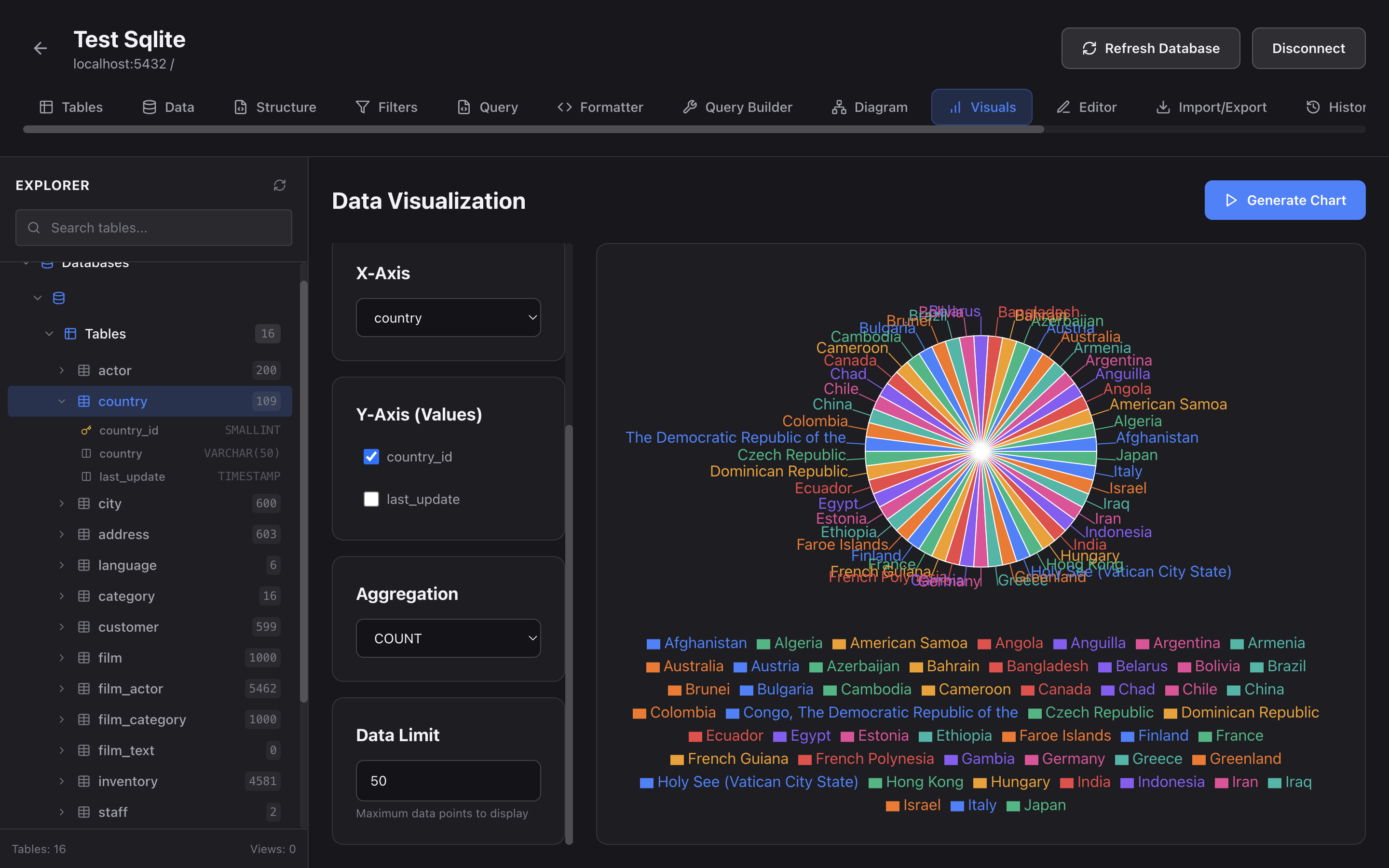
Our visual tools eliminate the need for complex SQL queries. Design schemas, build queries, and manage data with simple drag-and-drop operations. What used to take hours now takes minutes.
Get Started Free
Work faster with features designed for developers. Auto-completion, syntax highlighting, query history, and instant results help you build and test database operations in record time.
Download Now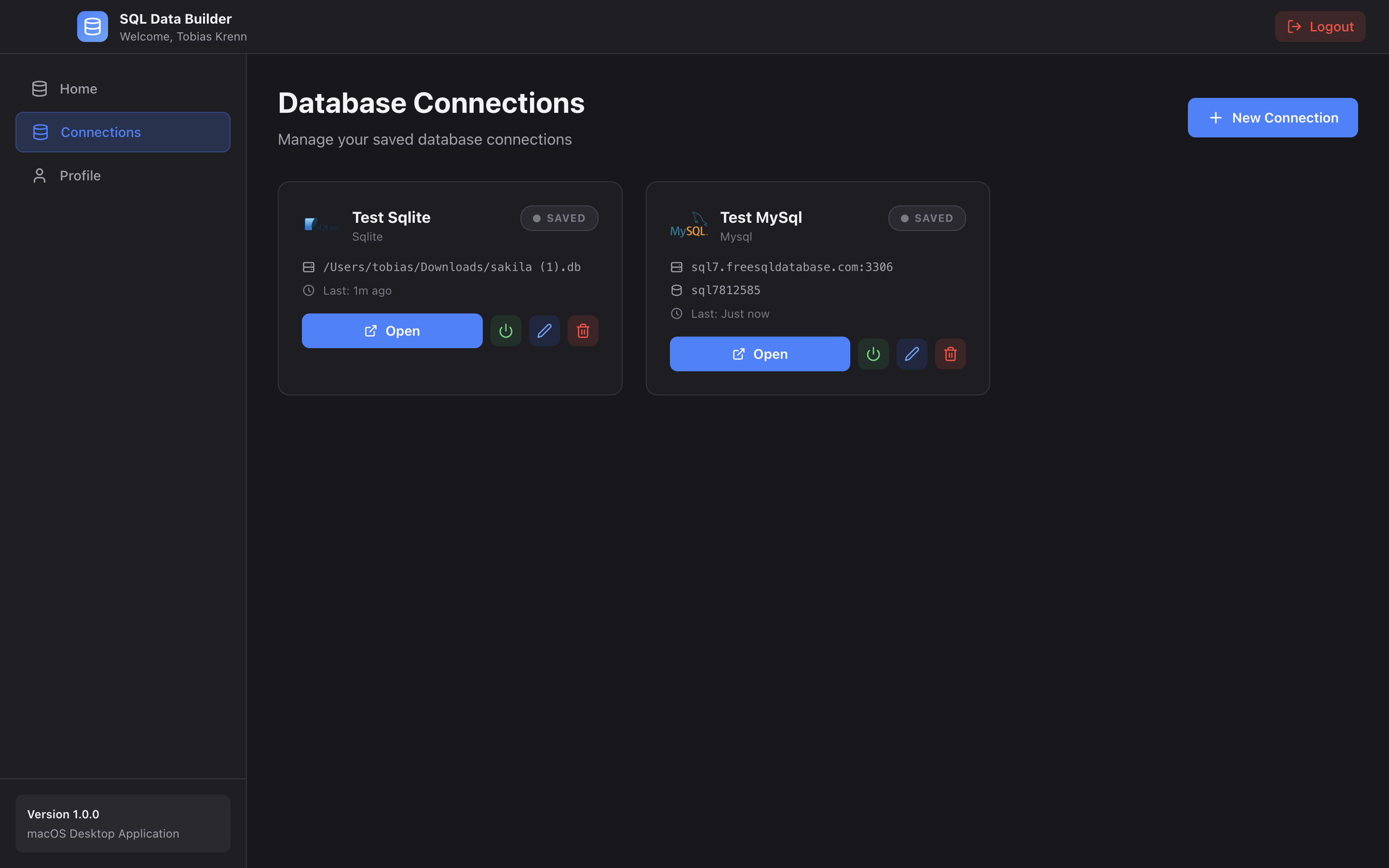
Your database credentials are stored securely in macOS Keychain. All connections are encrypted and made directly from your Mac - no data ever touches external servers.
Try It FreeFree Forever
Database Types Supported
Knowledge Required
macOS Performance

Download the right version for your Mac (Intel or Apple Silicon) and install in seconds
Add your database connections securely - supports local and remote databases
Design schemas, query data, and manage your databases with our visual tools
Full-stack Developer
"Finally, a database tool that actually makes sense on macOS! The visual query builder saves me hours every week."
Backend Engineer
"The ER diagram feature is a game-changer for understanding legacy databases. I can't believe this is free!"
Data Engineer
"Native M2 support with incredible performance. The visual schema designer makes database design intuitive."
Download SQL Data Builder for macOS today and experience the power of visual database management. Free forever, no credit card required.